


BYD Sealion 7 OEM Dash Cam
BYD Sealion 7 OEM Dash Cam
Before ordering, confirm compatibility with your exact model, year/build and variant, including any required cable or SD-card interface. Contact us for help.
Couldn't load pickup availability
Normally processed within 1–2 business days. Australian delivery generally takes 1–5 business days after dispatch. Estimates vary by destination.
Description
⚠️ Important Information Before Purchasing
Please read the BYD Sealion 7 OEM Dash Cam Setup Guide before purchasing to confirm your vehicle configuration and installation requirements.
This product is excluded from voluntary change-of-mind and incompatibility returns where the product supplied matches its description and the compatibility information and advice provided by EEVA Store were accurate. This exclusion does not limit your rights under the Australian Consumer Law, including remedies for faulty, damaged, incorrectly supplied or not-as-described products, inaccurate compatibility information or advice, or any other failure to meet a consumer guarantee. See our Returns and Refunds Policy.
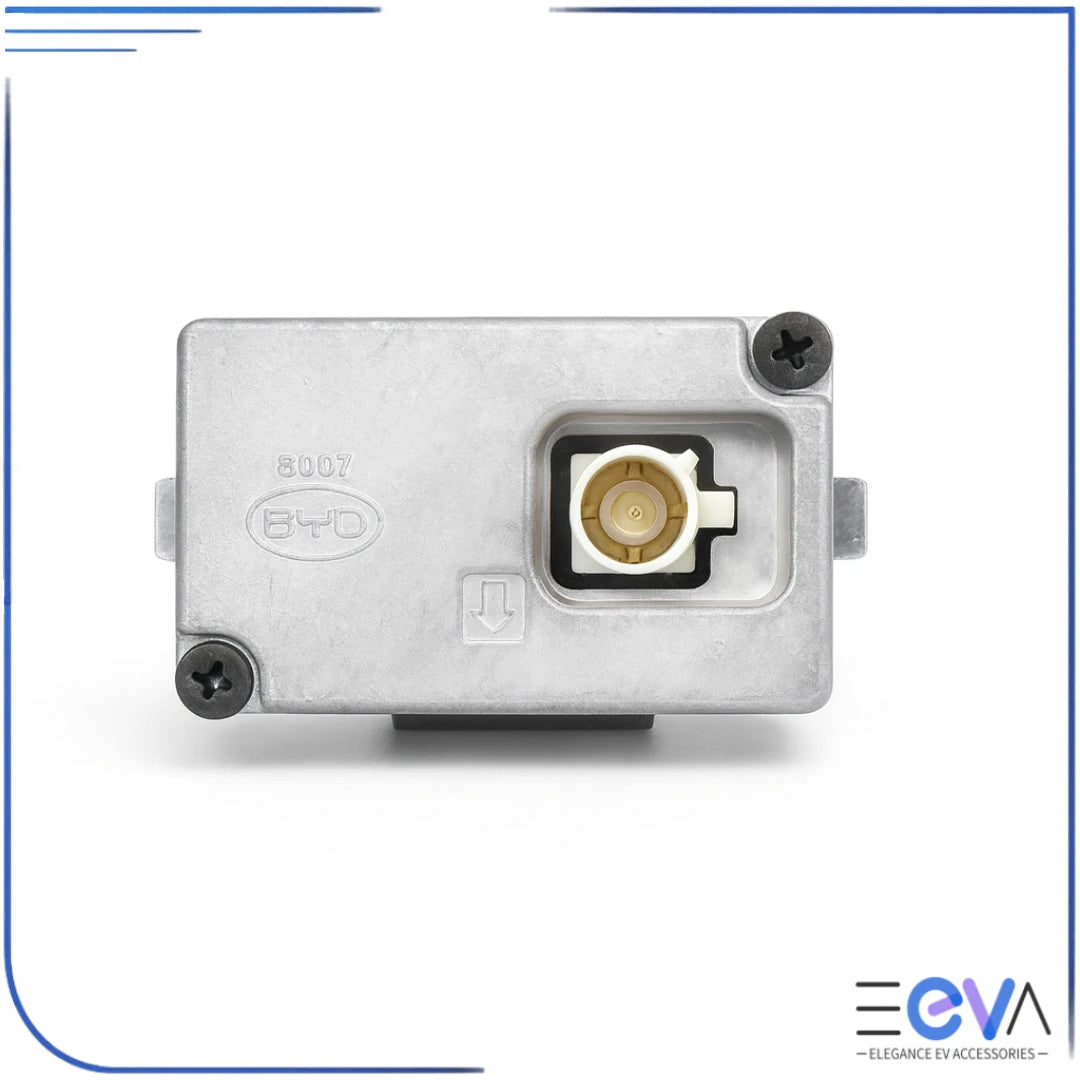
This listing is for the genuine BYD Sealion 7 OEM front dash cam camera module HC-3776940M only. The SD card interface and SD card are not included.
The camera fits the Sealion 7 factory dash-cam mounting position and connects to supported factory wiring for a clean, integrated installation.
Key Features
- Genuine BYD OEM camera module HC-3776940M
- Designed for the BYD Sealion 7 factory mounting position
- Clean factory-style installation with no visible cable across the windscreen
- Integrated recording through the supported vehicle DVR or Driving Recorder system
- Front-facing camera for driving footage
Material
- Genuine BYD OEM electronic camera module with integrated lens, housing and factory connector
Compatibility
- Designed for BYD Sealion 7 vehicles with the supported factory dash-cam wiring and DVR configuration
- Vehicle wiring and software configuration can vary; customers must confirm compatibility before purchasing
- The camera is front-facing only and does not provide parking or Sentry Mode recording while the vehicle is powered off
What’s Included
- 1 x BYD Sealion 7 OEM dash cam camera module HC-3776940M
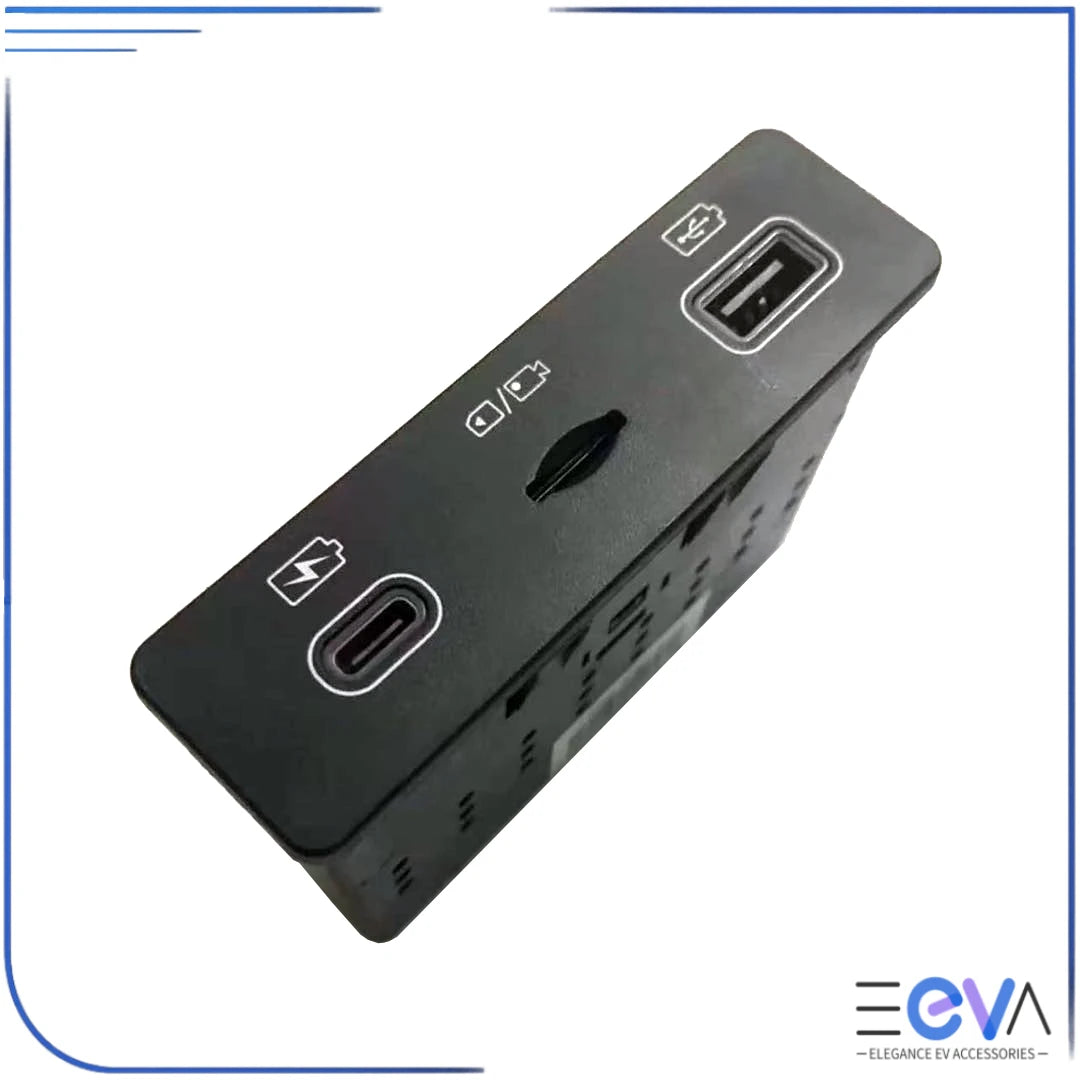
Need SD-card storage as well? View the BYD Sealion 7 SD Card Interface, or choose the BYD Sealion 7 Dash Cam and SD Card Interface set.
For installation, wiring and DVR setup guidance, see the BYD Sealion 7 OEM Dash Cam Setup Guide. You can also browse all BYD OEM dash cams.
Free shipping is available on eligible Australian orders of A$100 or more.
Ships from Australia with local support from EEVA Store.



OEM dash cam praised for "great quality" and discreet fit. Customers said installation is "easy" with YouTube tutorials, typically under 30 minutes. The camera offers excellent clarity with useful speed/position indicators. Some found connector location "tricky" and USB-C interface removal "extremely difficult." Works flawlessly once installed, though lacks parking mode recording.
Customer service was exceptional, thank you Mike and Chloe.
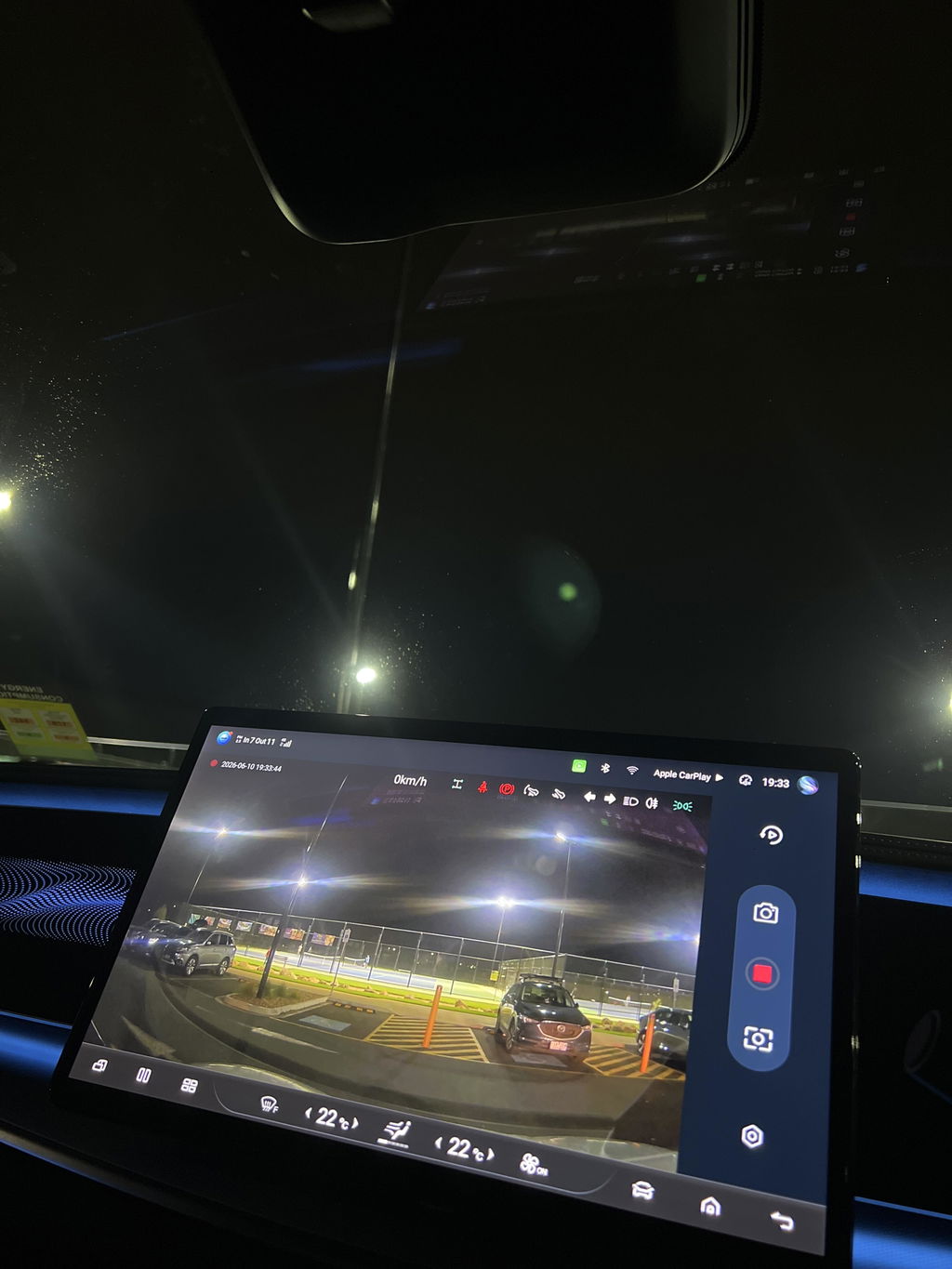
Plenty of videos on YouTube to help fit the camera. Clarity is great and the icons indicating speed accelerator indicator position etc are really useful.
Arrived quickly and was plug and play. Watch YouTube but took less than 15 minutes
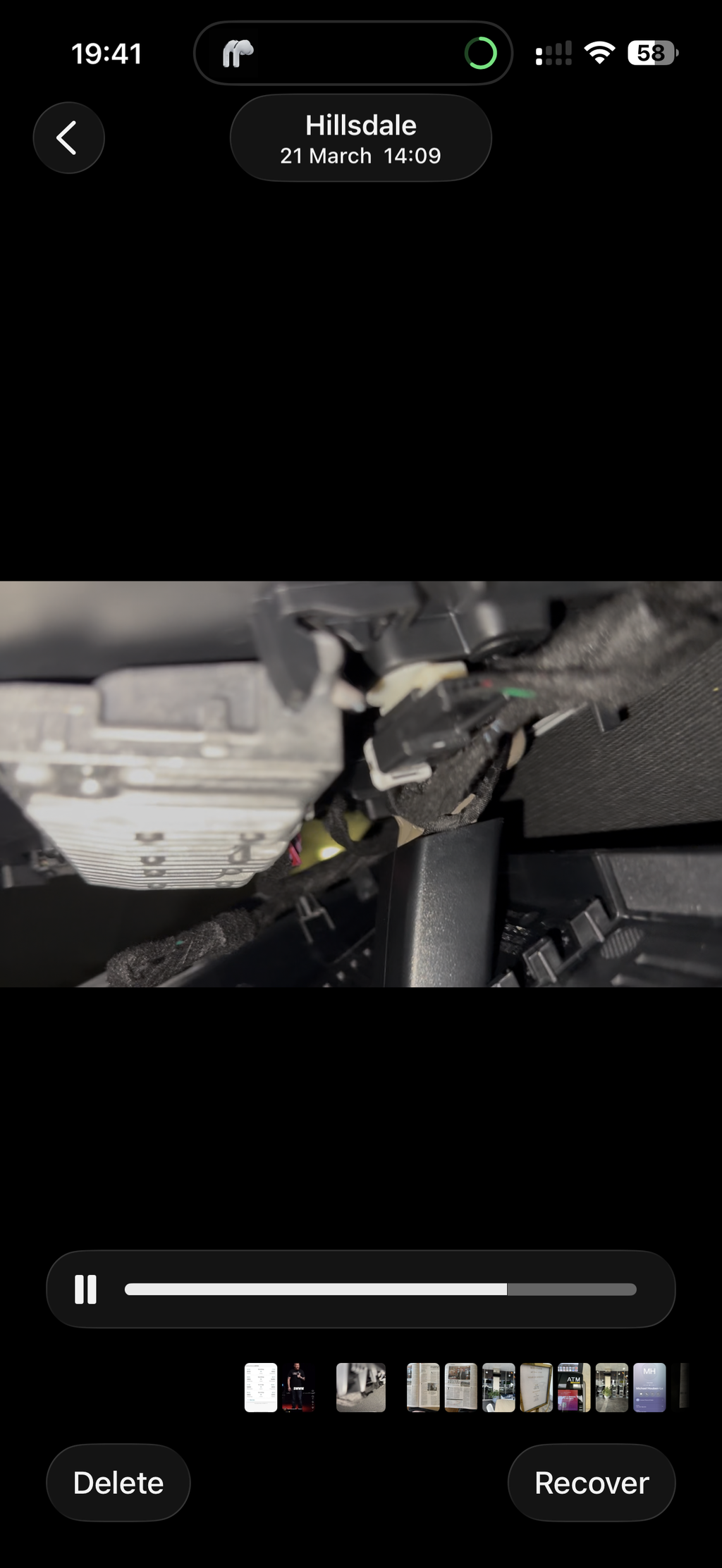
Great to have such an integral dash cam. Easy to install (although freeing up the cable is a bit tricky). On line videos are helpful.
The USB-C interface installation has to involve careful removal of the passenger side panel to get access to remove the original interface unit. Once that is achieved the rest is simple.
The combination works well.
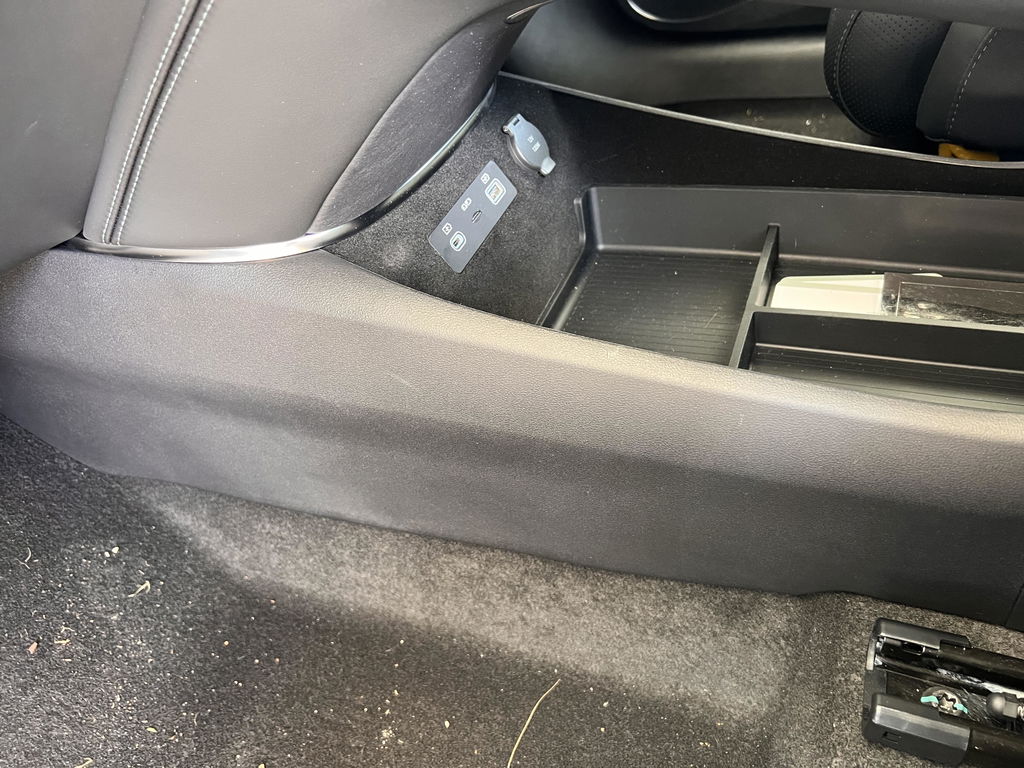
Easy to install after watching Youtube instruction. Works an intended, and is hidden. Only gripe is not having the ability to record when vehicle is turned off (no fault of camera - hopefully byd will give an ota update one day)
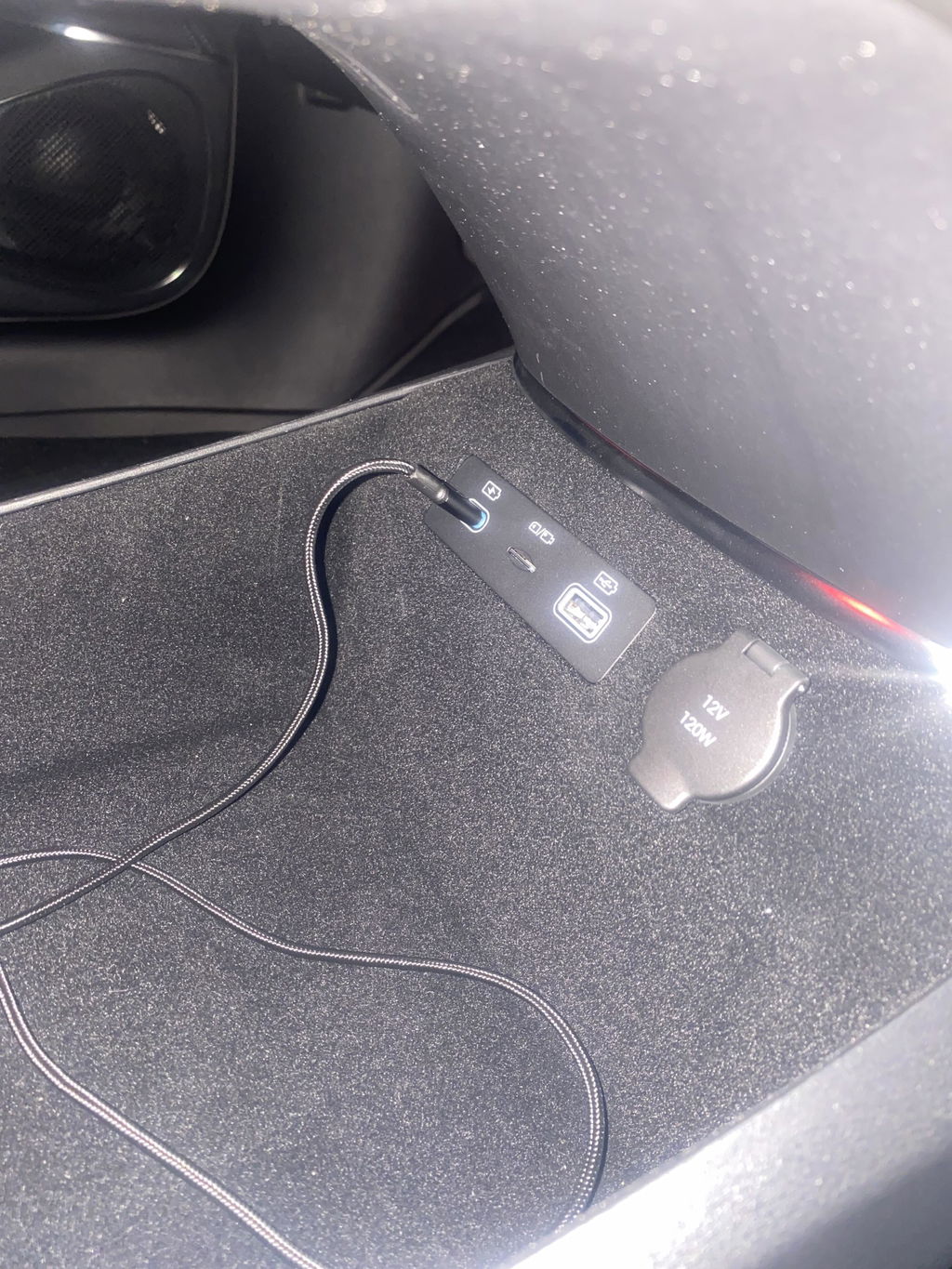
Easy to install. Matches the OEM cable connector in the rearview mirror console. Work perfectly fine. Just add a 32GB Usb in USC C type port.
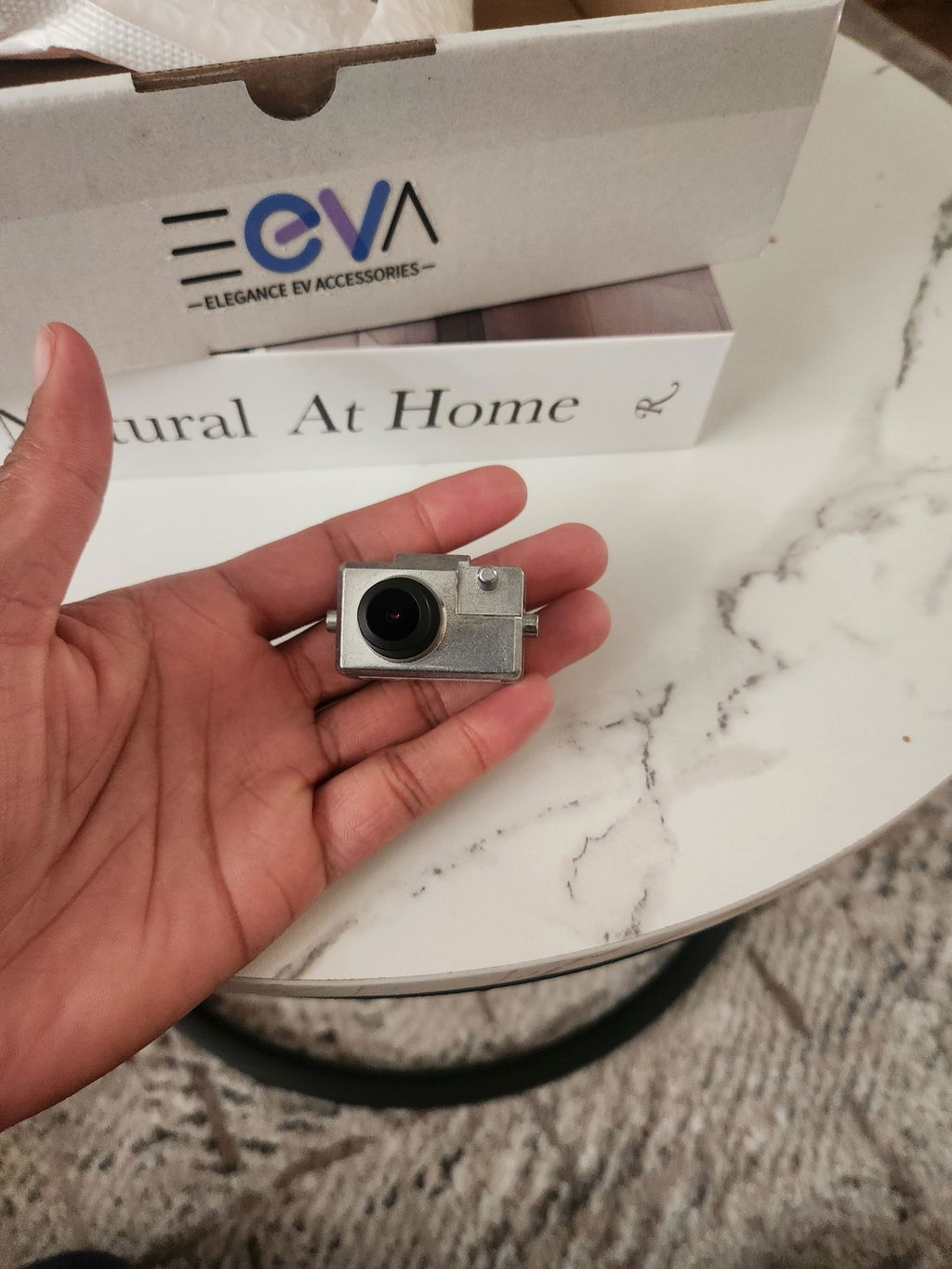
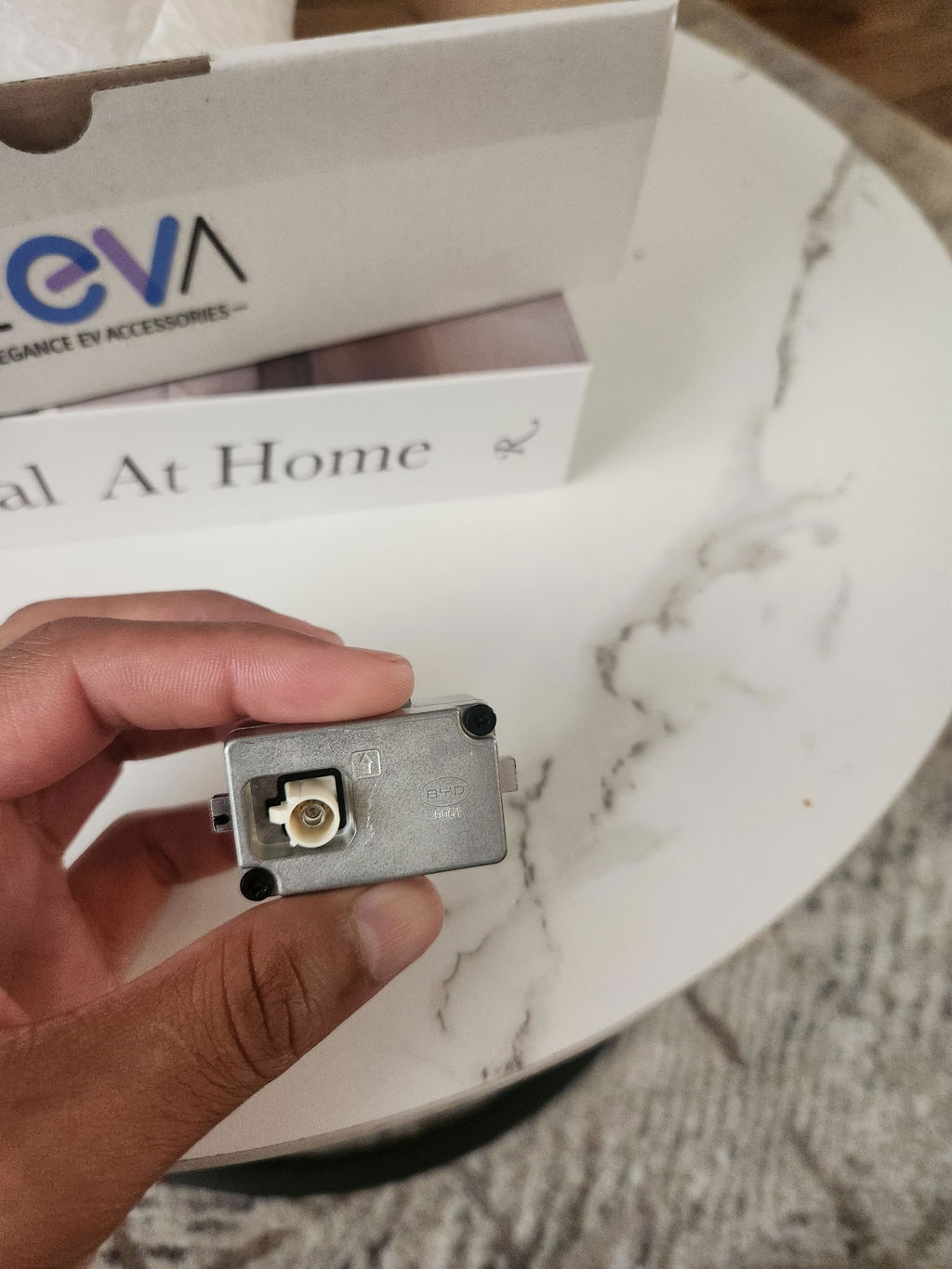
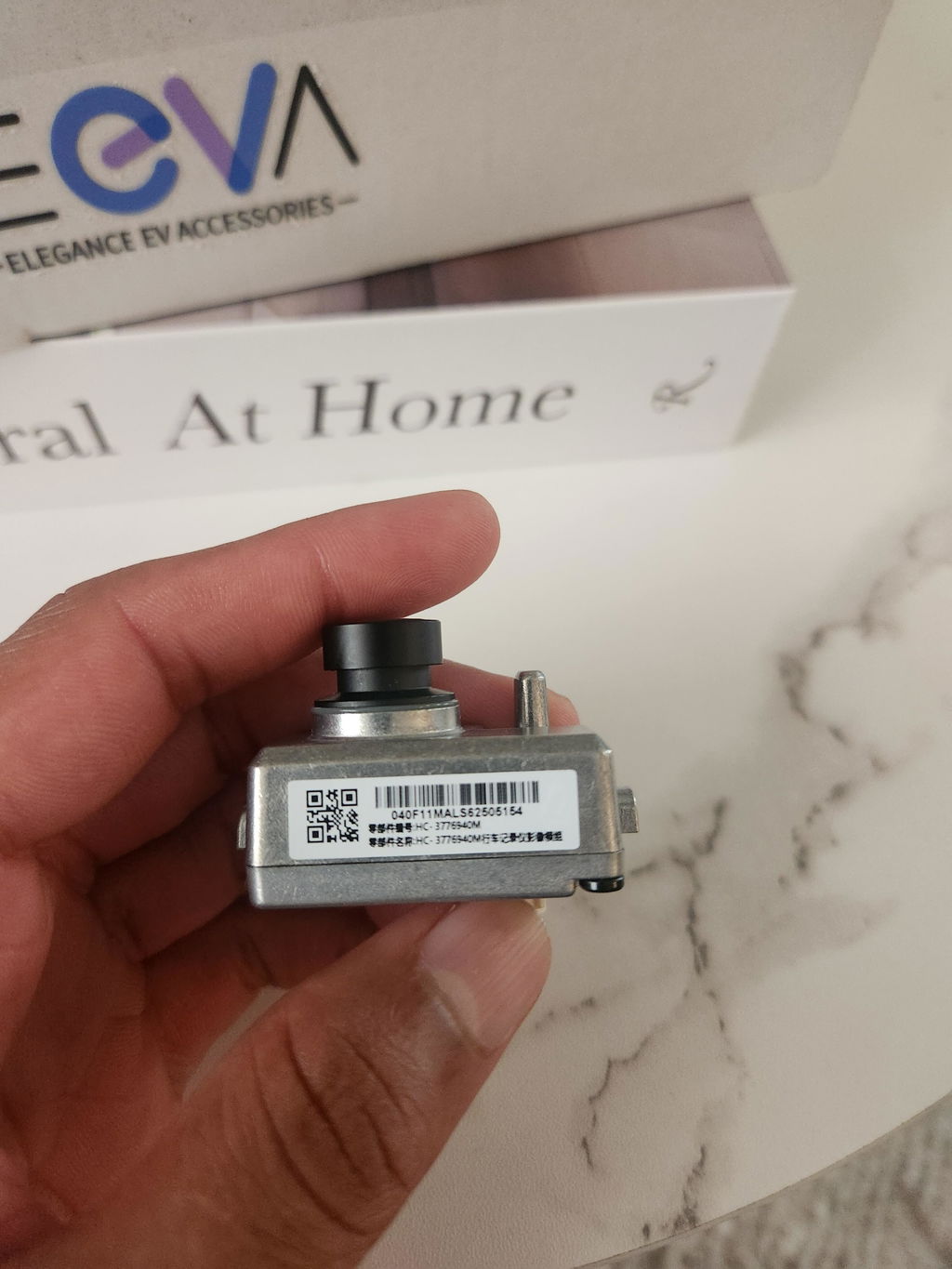
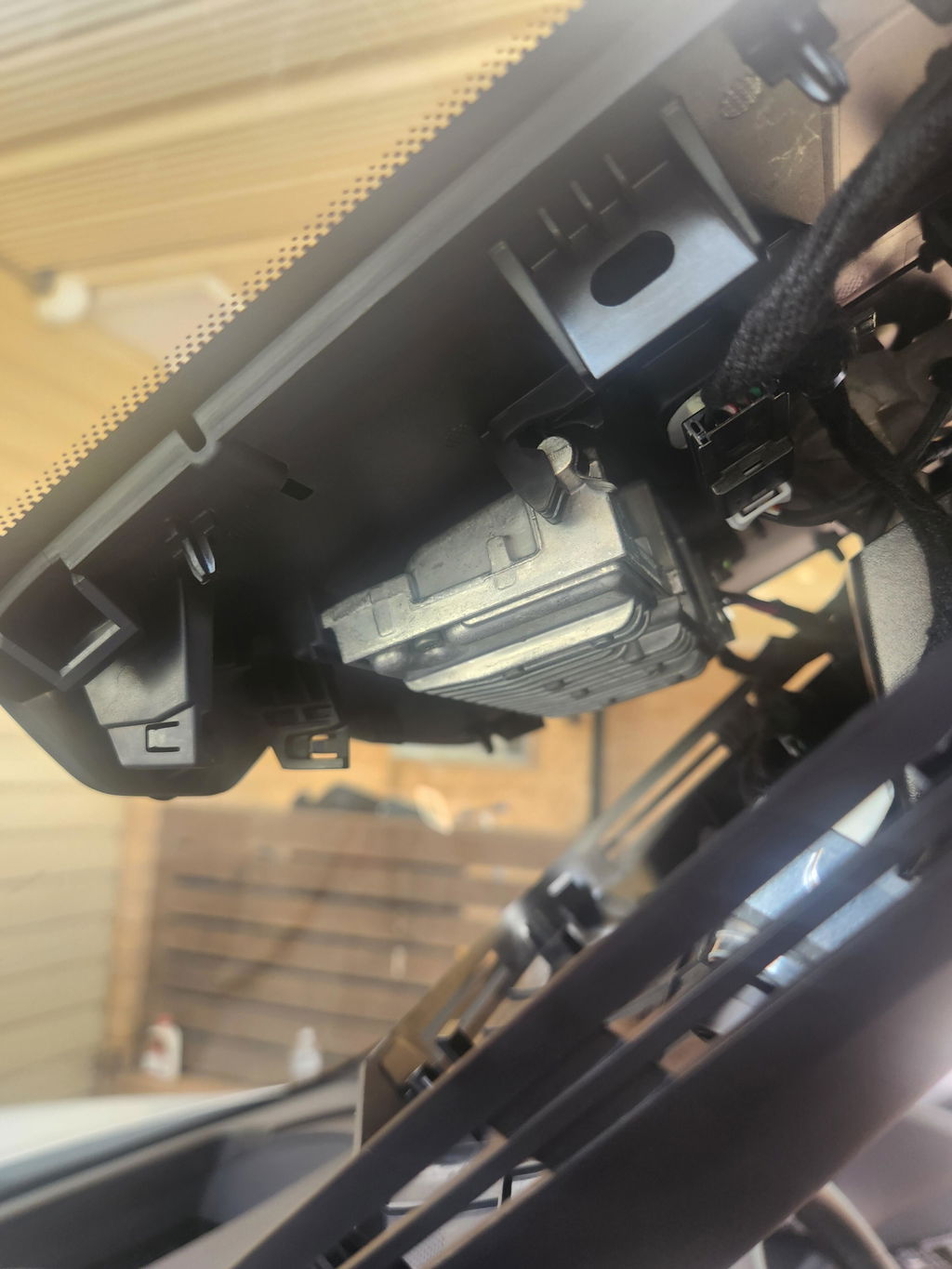
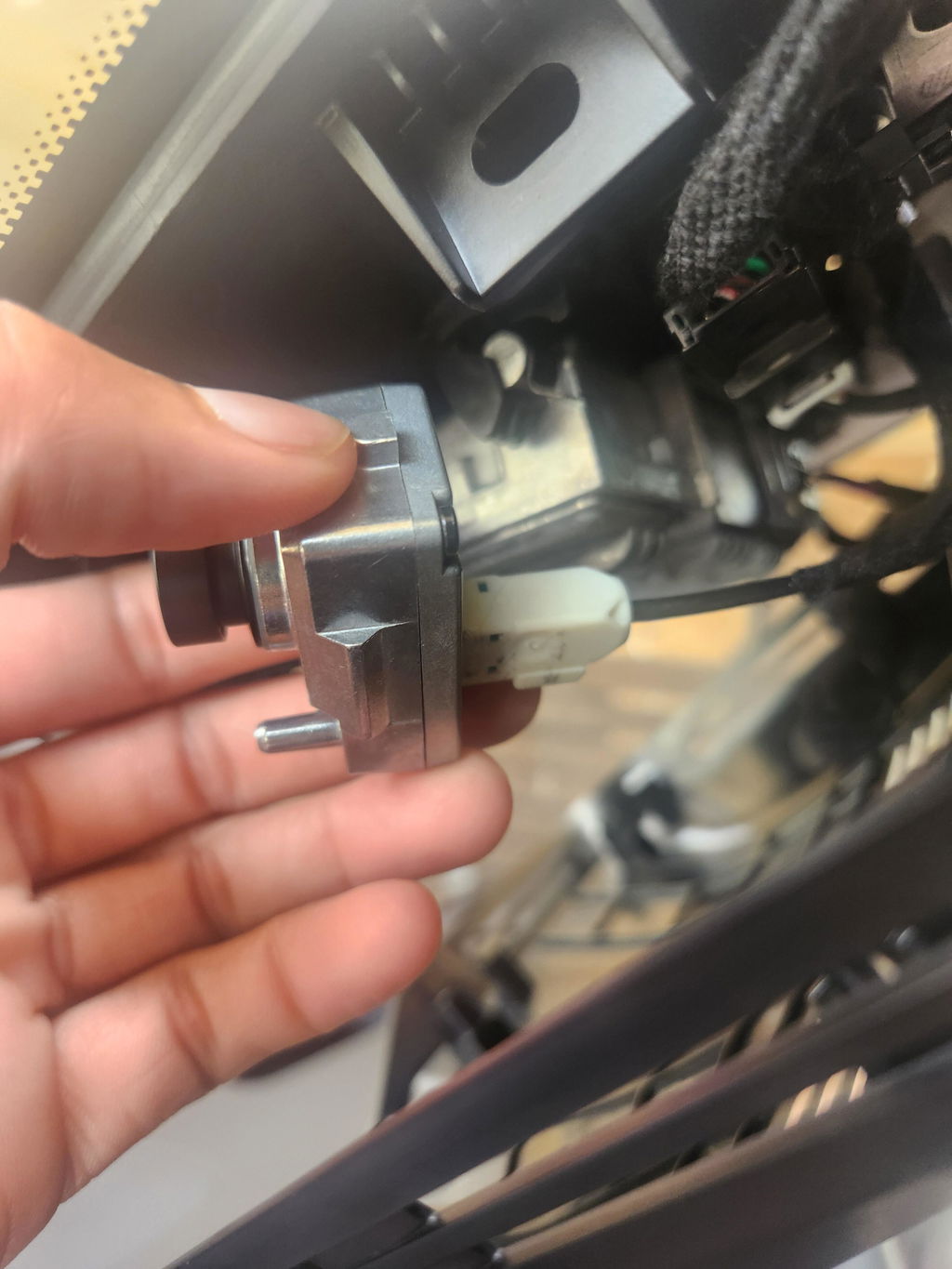
I was able to install easily following some YouTube tutorials. Wiring was taped up and had to remove that and a clip. For the cam mount there was a plug where lense sticks thru and also had to be removed. After that car instantly recognised the cam and all works as standard.
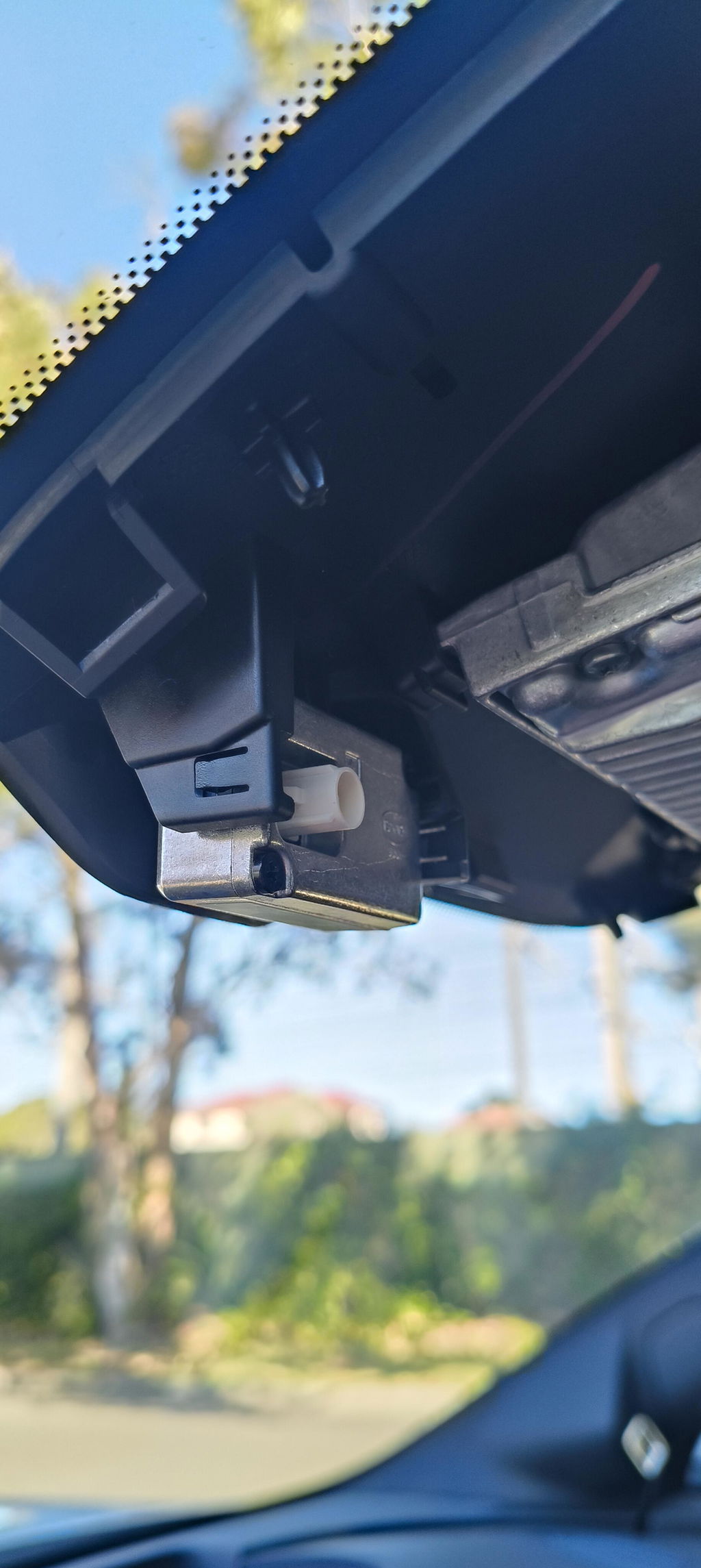
Easy purchase and quick delivery. very easy to install.
Good
Very easy to install both camera and sd card unit.
So far BOTH working flawlessly.
Very tricky to install in a brand new Sealion 7, but eventually found the connector plug high in the roof safe. So far the camera seems to be working as expected.
Arrived on time and works well. Highly recommend!
Great Quality items, Exact fit, installation easy as described, fast postsge. AAA +++ Seller
Very surprised how small it was. Fitting was easy and set up was also easy. Works as per expected
The camera and SD card interface were so easy to install and worked perfectly. So good to have it built in and not camera stuck the the windscreen. Great 👍
All products were delivered and in as expected condition. Online DIY installation instructions for OEM Dashcam were adequate, though removal of the in situ USB-C interface unit I found extremely difficult. So, I have left this to be completed at my first service.
Removing the Panel to install the Card reader was simple and the Card reader USB module is easy enough to get to even with larger hands. Release the top first and push it out a bit and then release the bottom.
The camera plug removes easily enough and the camera clips right in. The cable however appears to not be there. You will need to find the taped up bulge and remove the tape to locate the connector. Then cut the clip that holds it in place and just attach to the camera.
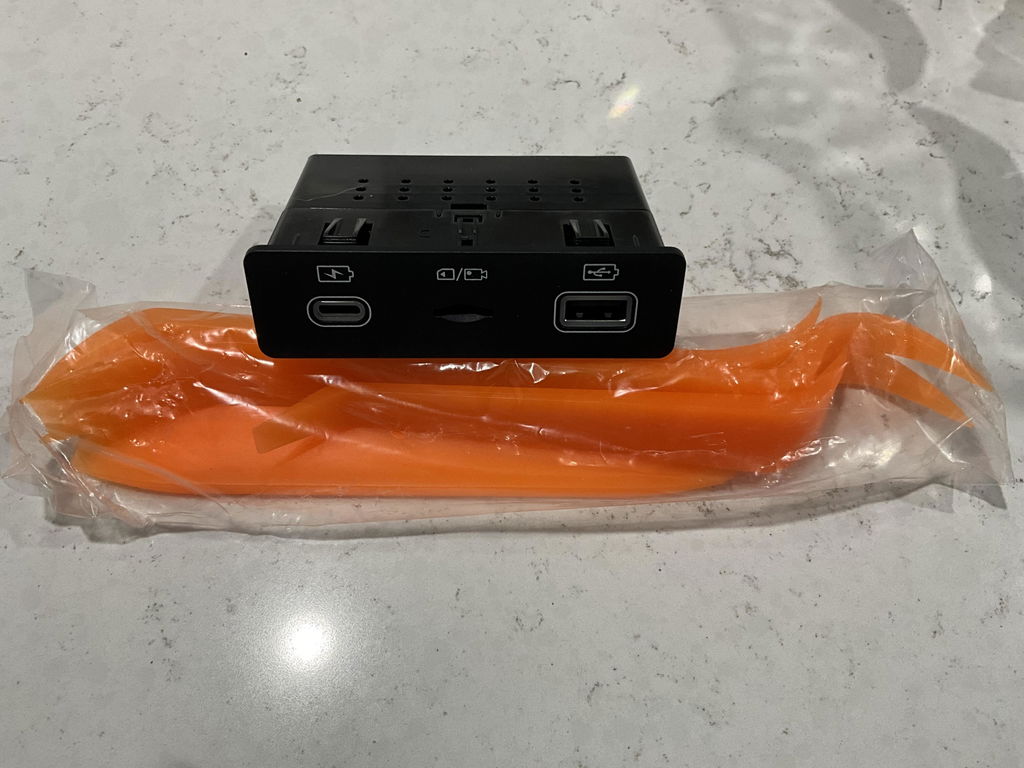
The pry tool makes removing the cover over the visor simpler than you can imagine and everything should take less than half an hour or at worst, under an hour for anyone that is not comfortable doing this kind of work.
Fit camera and hub easy. Reset infotainment system. Loaded up without issues. Good purchase. Happy with outcome.
Hi - Does this dashcam have Sentry mode also
Hi Aj,
No, this OEM dash cam does not provide Sentry Mode.
Sentry Mode is not really a dash cam feature by itself — it depends on whether the vehicle software supports parking/security recording while the car is locked.
BYD does not currently provide a built-in Sentry Mode feature like Tesla. There may be some third-party apps or systems that offer similar functionality, but this OEM dash cam is designed for factory-style integrated driving recording through the BYD system.
Hi
Where is the usb c drive situated and how do I access video .
Thanks
Hi Eric,
Thanks for your question.
The USB-C module is located in the lower console area.
You can access the recordings in two ways:
1. Through the vehicle’s built-in DVR / Driving Recorder app on the infotainment screen.
2. By removing the USB-C drive from the lower console module and connecting it to a computer or compatible phone/tablet to view the video files.
Please make sure the vehicle is safely parked before accessing or removing the USB-C drive.
Is this available for the Shark 6?
Hi Steve,
Thanks for your question.
No — this OEM dash cam is only compatible with the BYD Sealion 7. At the moment, there isn’t an OEM dash cam option available for the BYD Shark 6.
Hi, do you know if the Shark 6 (07/25) is prewired and has the software installed to work with this?
Thanks!
There’s currently no OEM dash cam available that’s compatible with the BYD Shark 6. If BYD releases an official version in the future, we’ll update our store right away.
Hello,
I’m wondering where do you install the usb c interface in the BYD Sealion 7? Is there a standard slot for it in the car like the camera?
Are instructions provided with how to install both?
Hi Matthew,
Thanks for your message and great question.
The optional USB-C & SD Card interface is for those who prefer a tidier setup rather than using a regular USB-C flash drive for dash cam footage. It lets you record directly onto an SD card.
This module replaces the existing USB interface located in the lower console area. The installation is pretty straightforward and completely plug-and-play — you just remove the original module and connect the new one using the provided cables.
You can send an email to support@eevastore.com.au if you need more help during installation — they can provide detailed instructions if needed.