


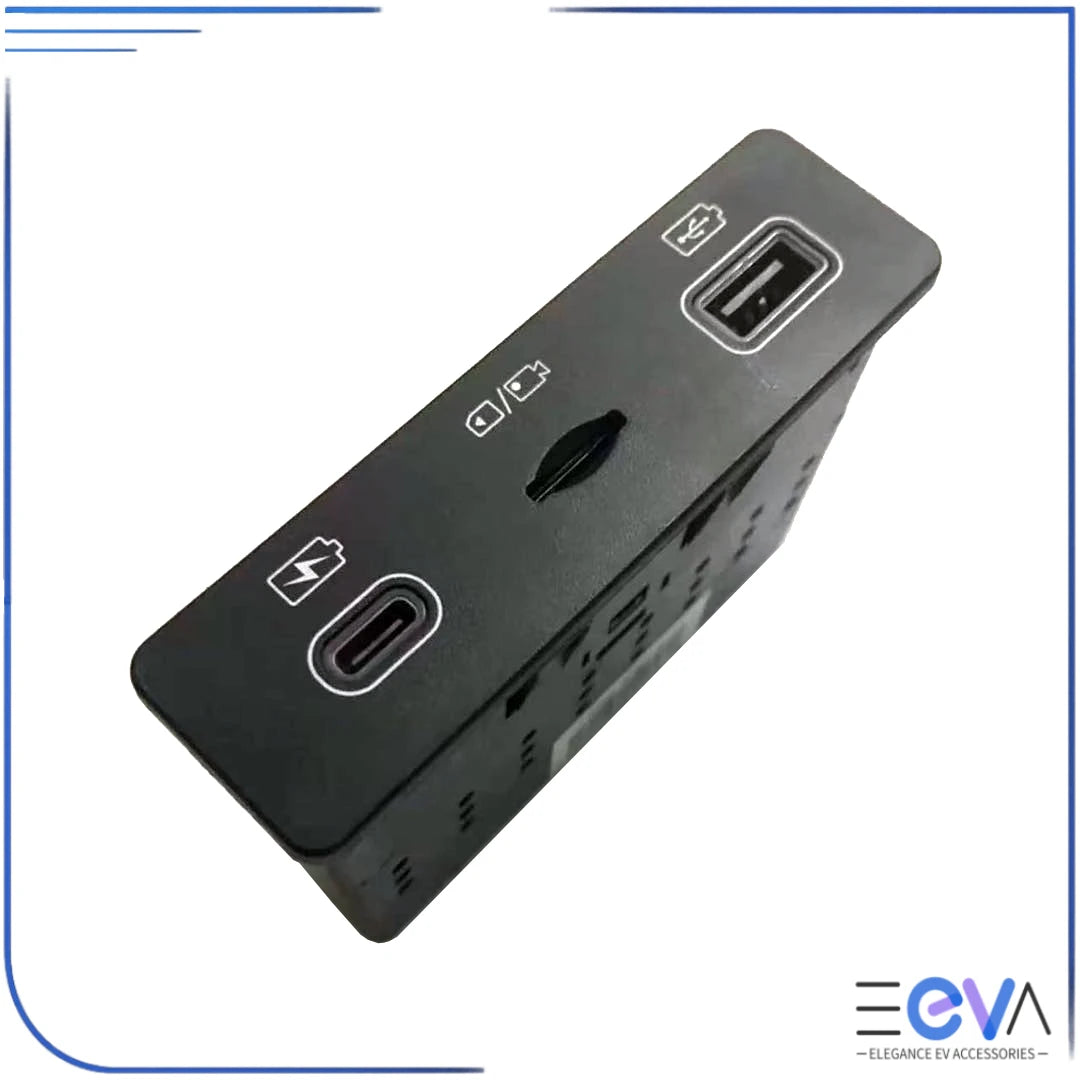

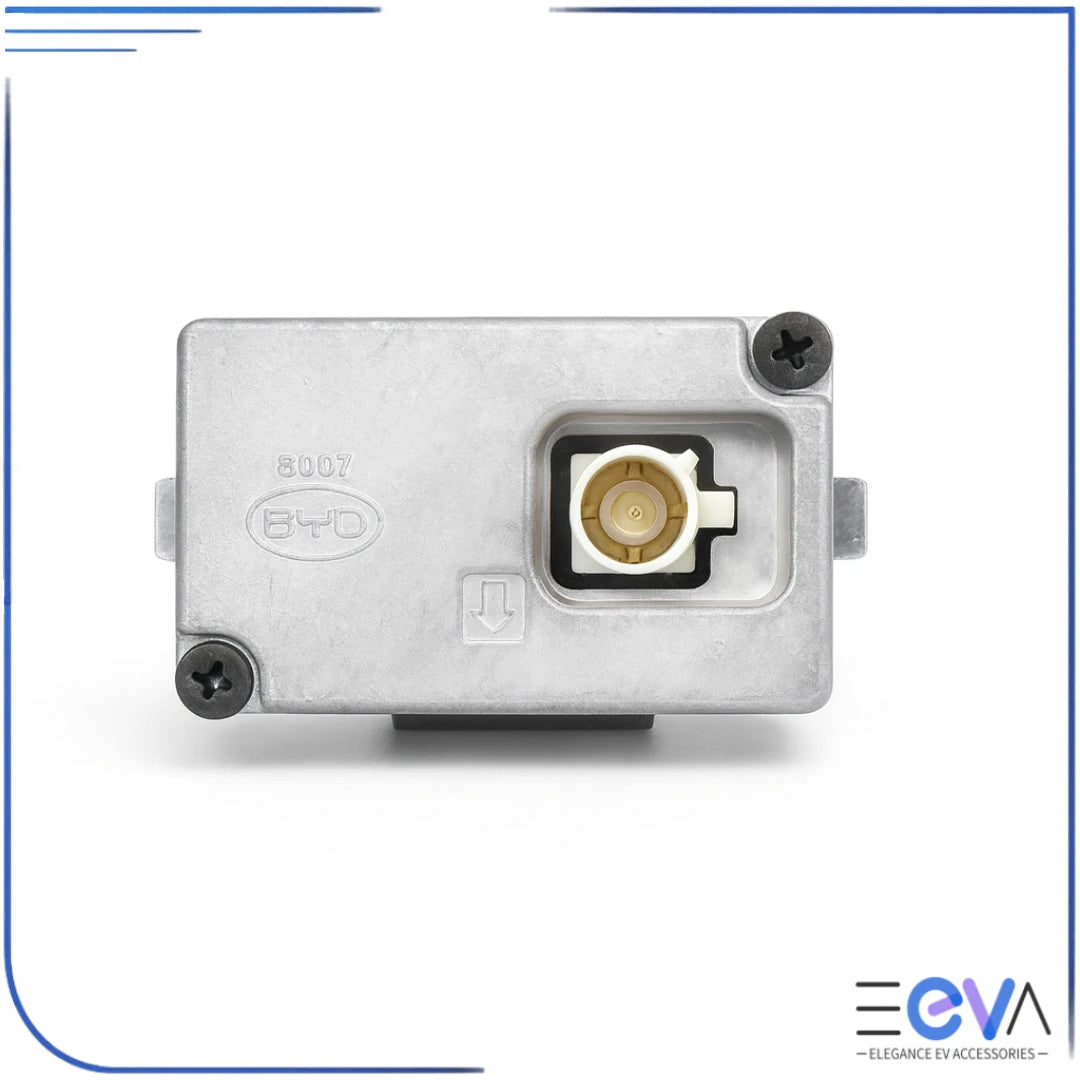
This OEM dash cam offers excellent video clarity with useful speed and indicator icons. Customers said installation is "easy" with YouTube guides, though some found the connector plug "tricky" to locate and USB-C interface removal "extremely difficult". Works flawlessly once installed, remaining hidden and integrated. No parking mode recording capability.
Customer service was exceptional, thank you Mike and Chloe.
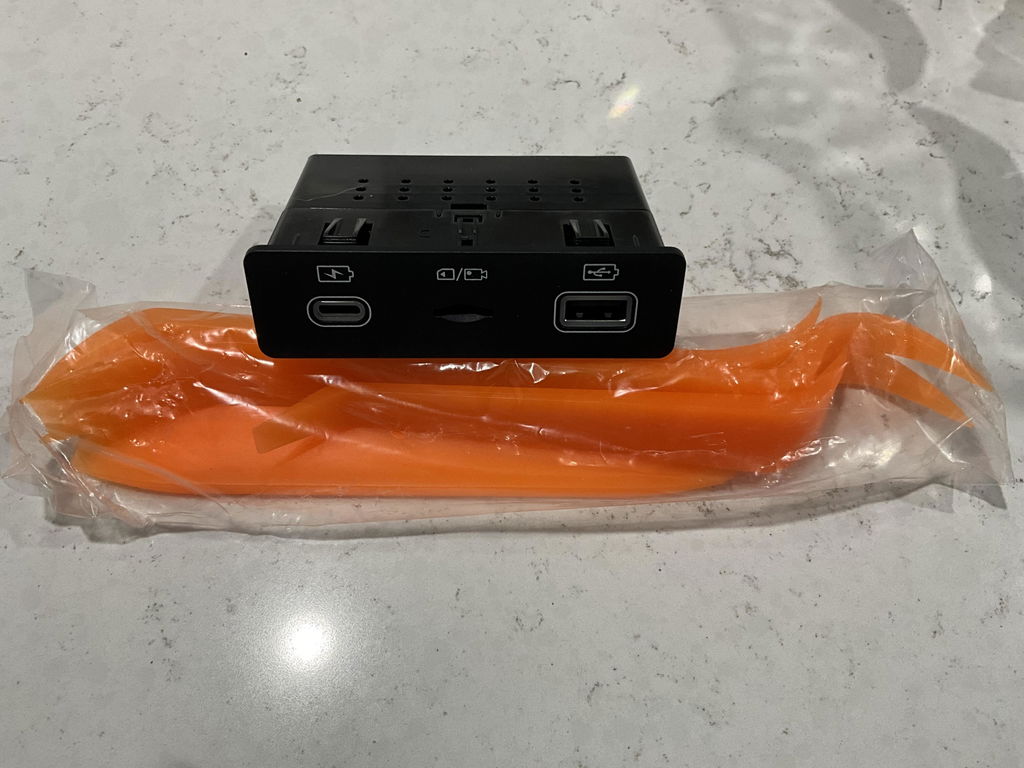
Plenty of videos on YouTube to help fit the camera. Clarity is great and the icons indicating speed accelerator indicator position etc are really useful.
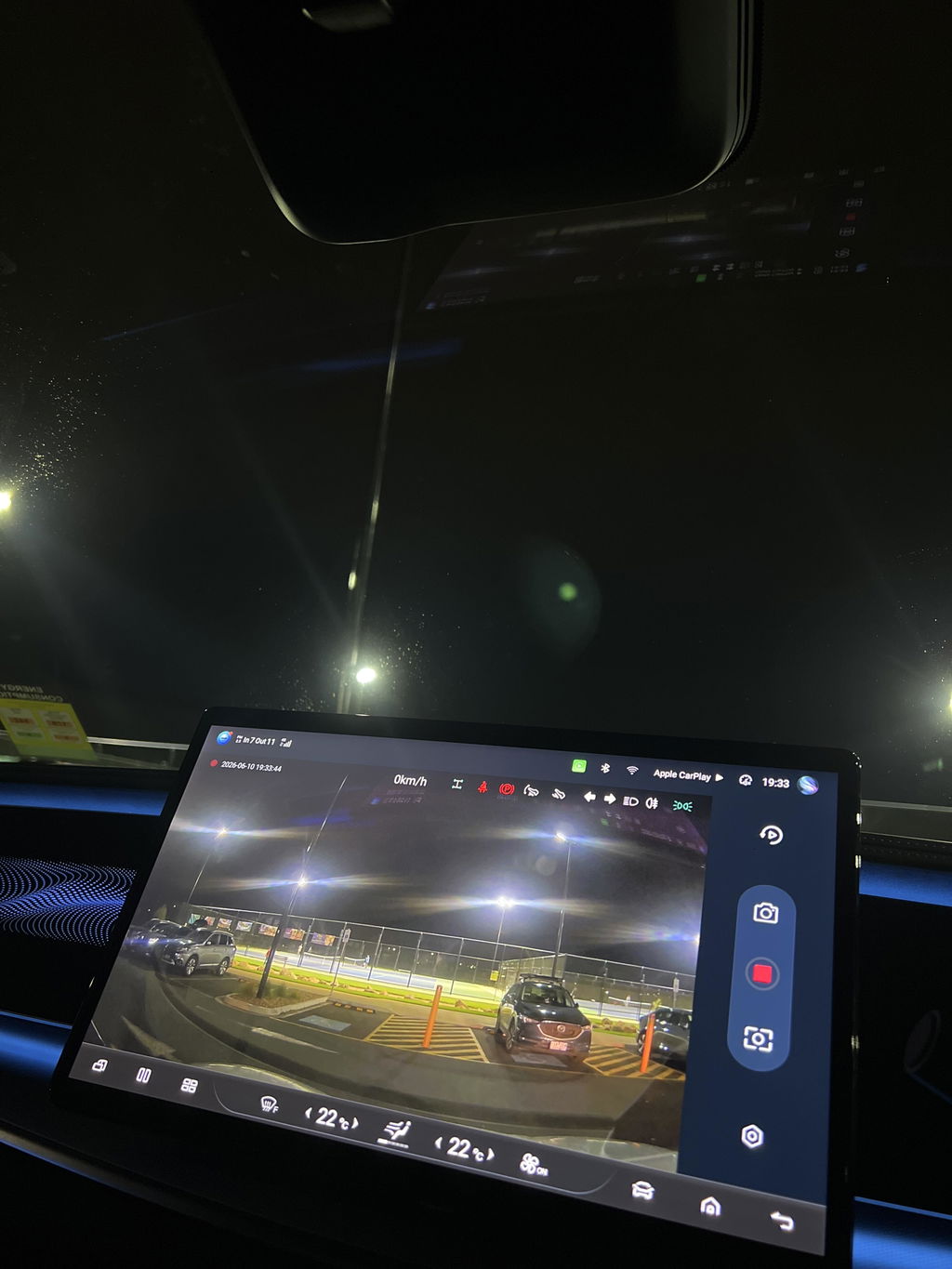
Arrived quickly and was plug and play. Watch YouTube but took less than 15 minutes
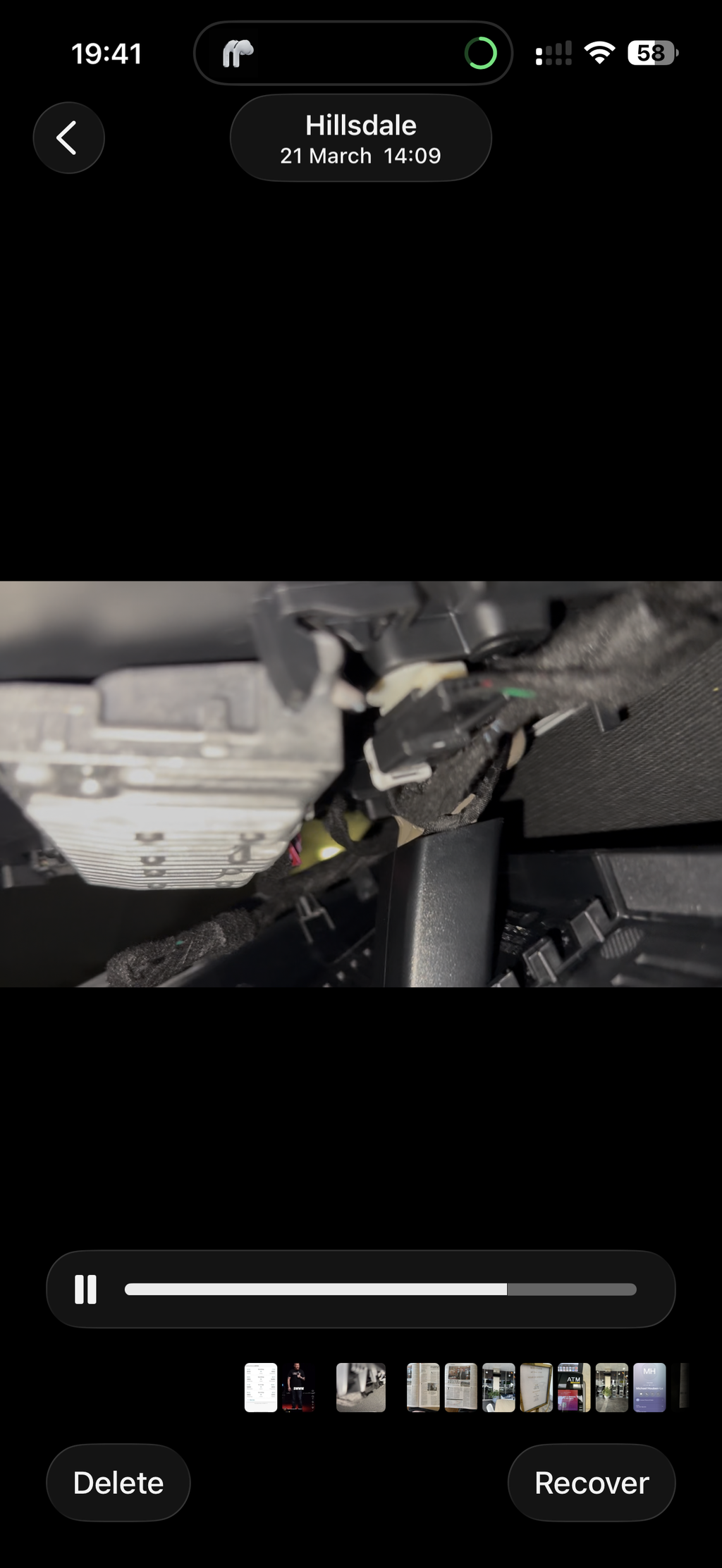
Great to have such an integral dash cam. Easy to install (although freeing up the cable is a bit tricky). On line videos are helpful.
The USB-C interface installation has to involve careful removal of the passenger side panel to get access to remove the original interface unit. Once that is achieved the rest is simple.
The combination works well.
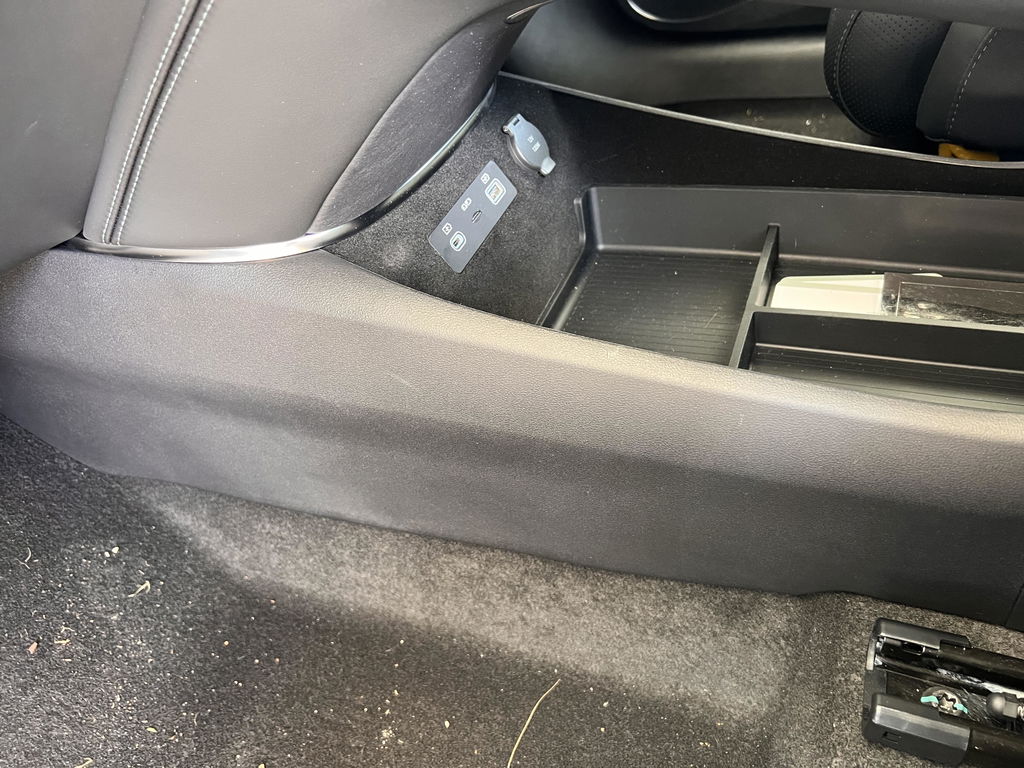
Easy to install after watching Youtube instruction. Works an intended, and is hidden. Only gripe is not having the ability to record when vehicle is turned off (no fault of camera - hopefully byd will give an ota update one day)
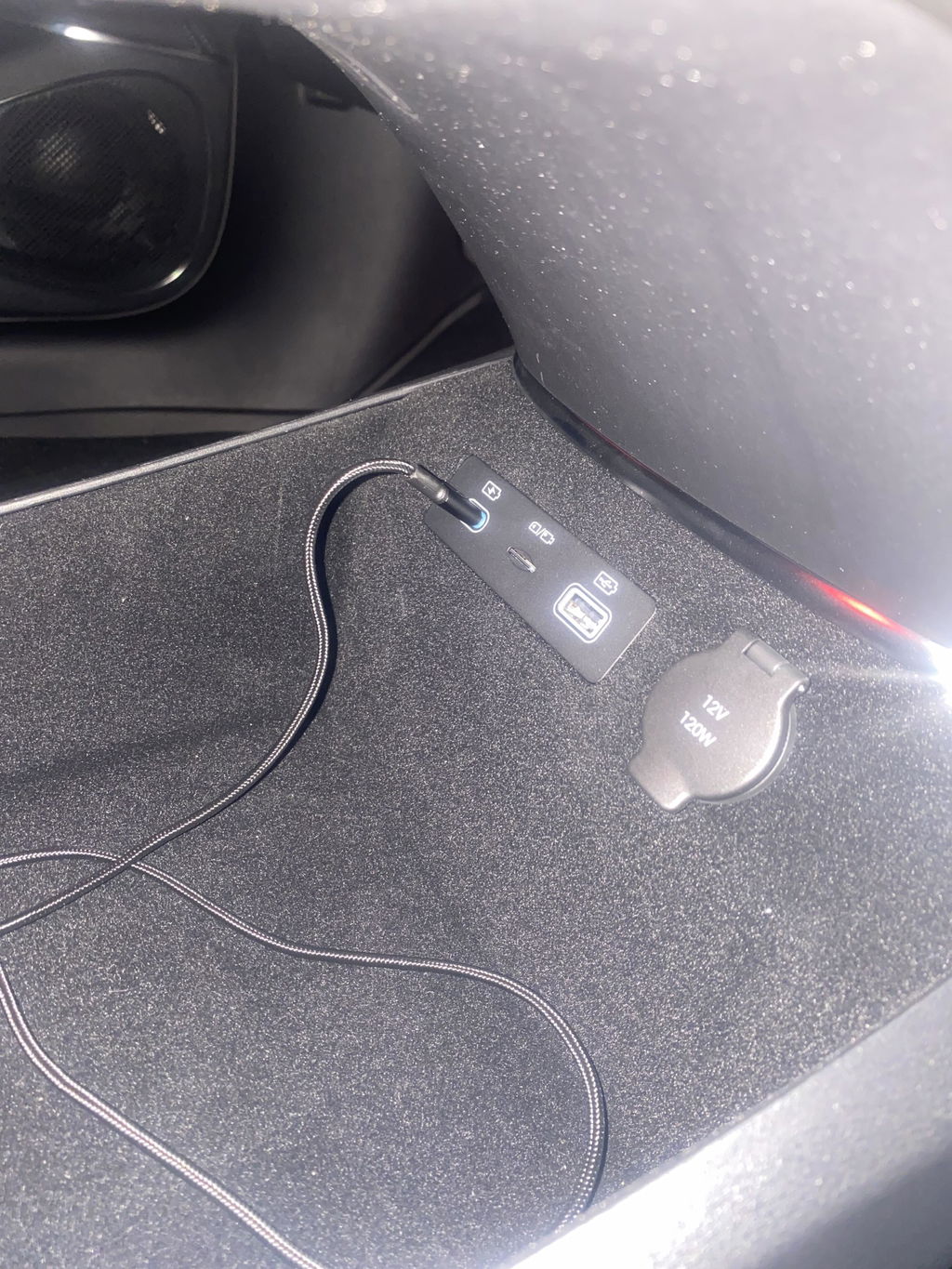
Easy to install. Matches the OEM cable connector in the rearview mirror console. Work perfectly fine. Just add a 32GB Usb in USC C type port.
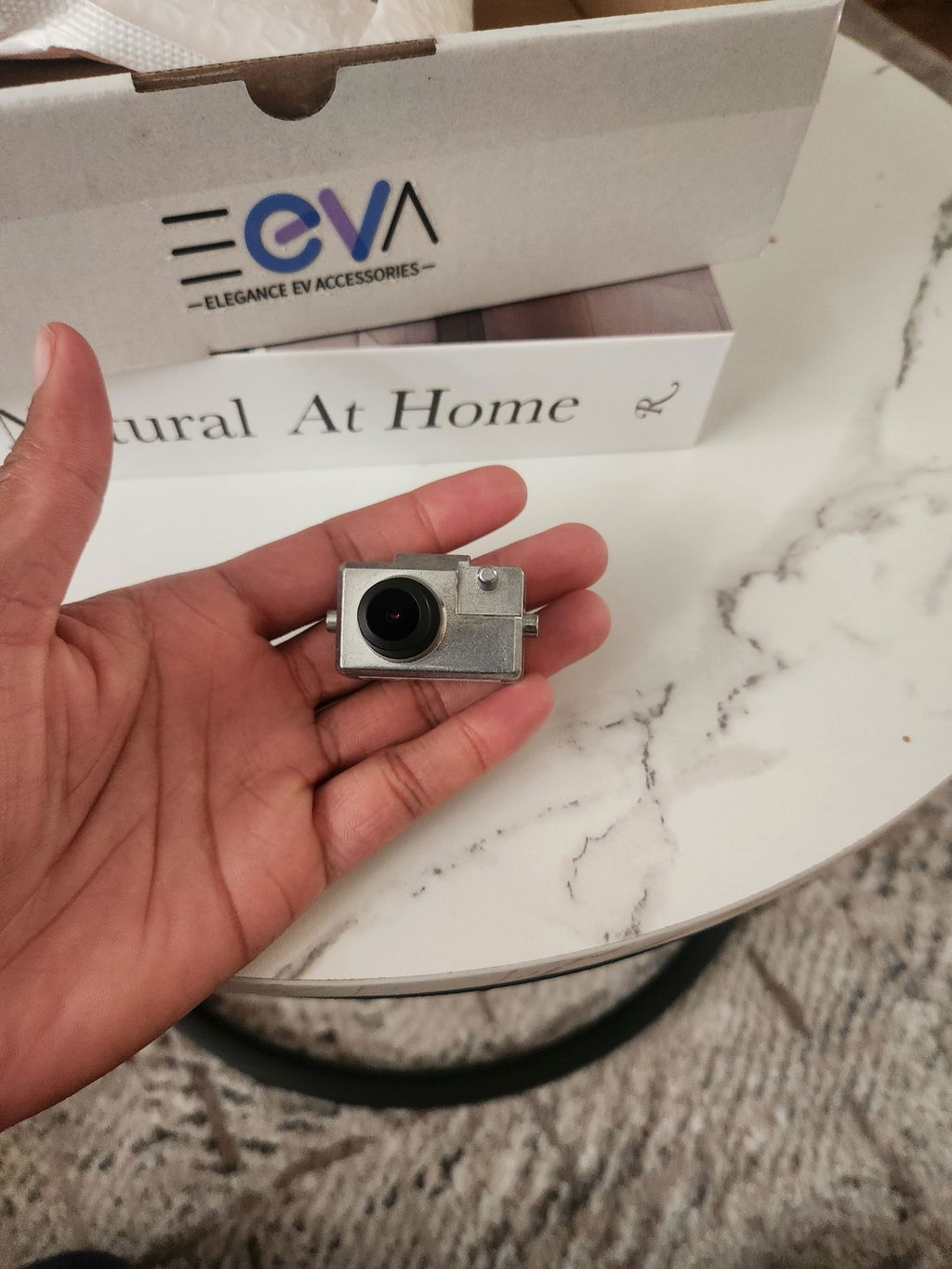
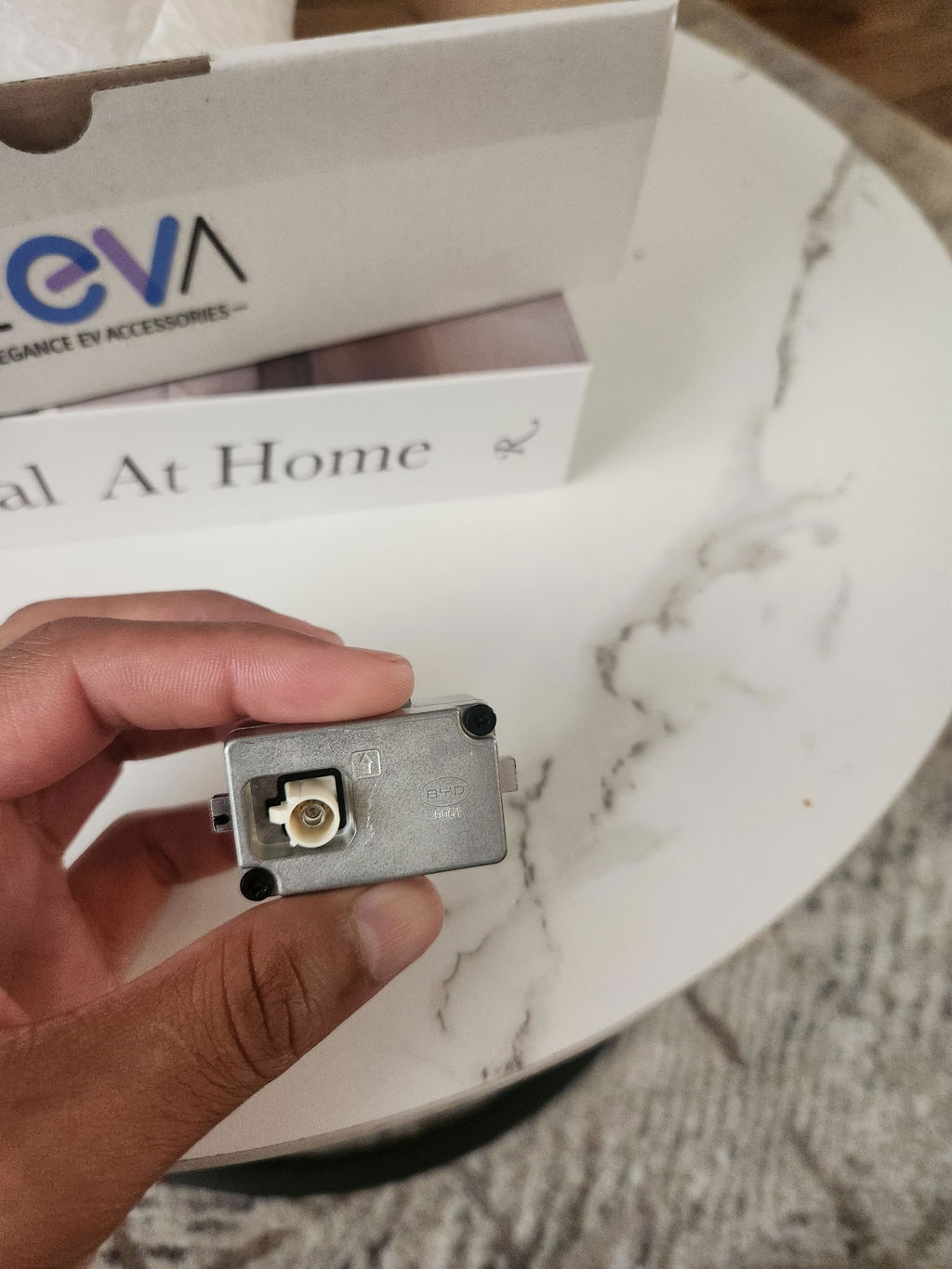
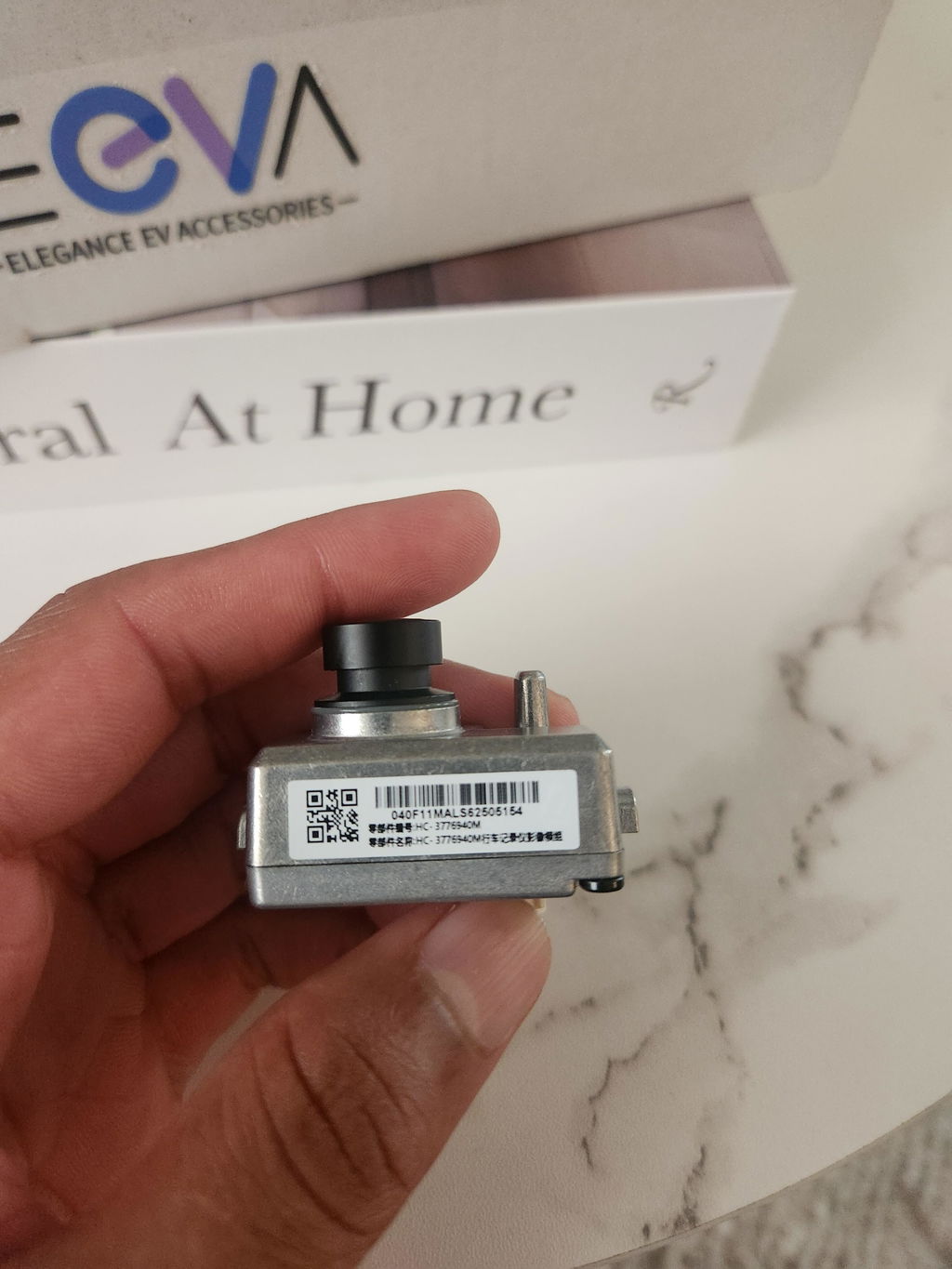
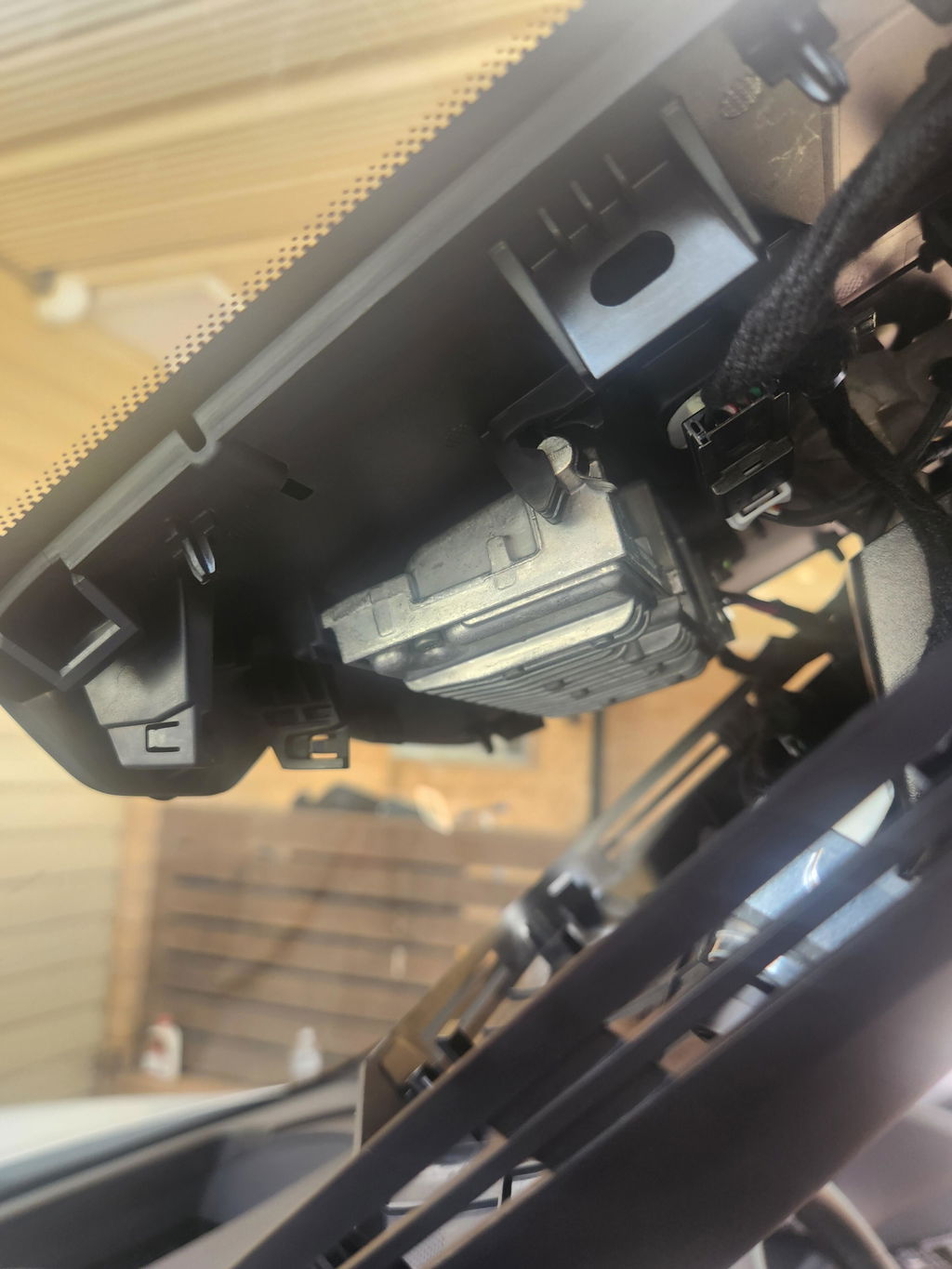
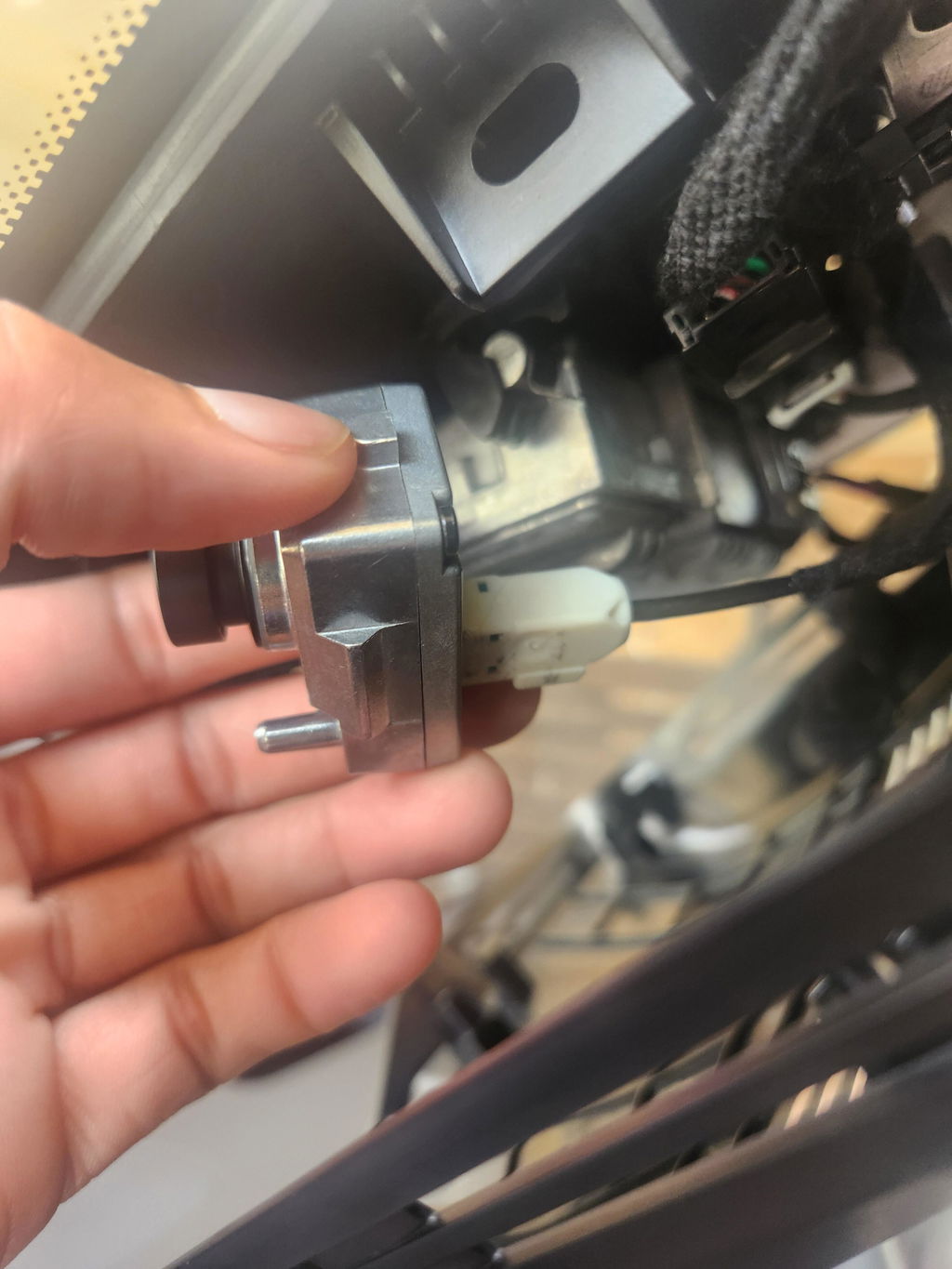
I was able to install easily following some YouTube tutorials. Wiring was taped up and had to remove that and a clip. For the cam mount there was a plug where lense sticks thru and also had to be removed. After that car instantly recognised the cam and all works as standard.
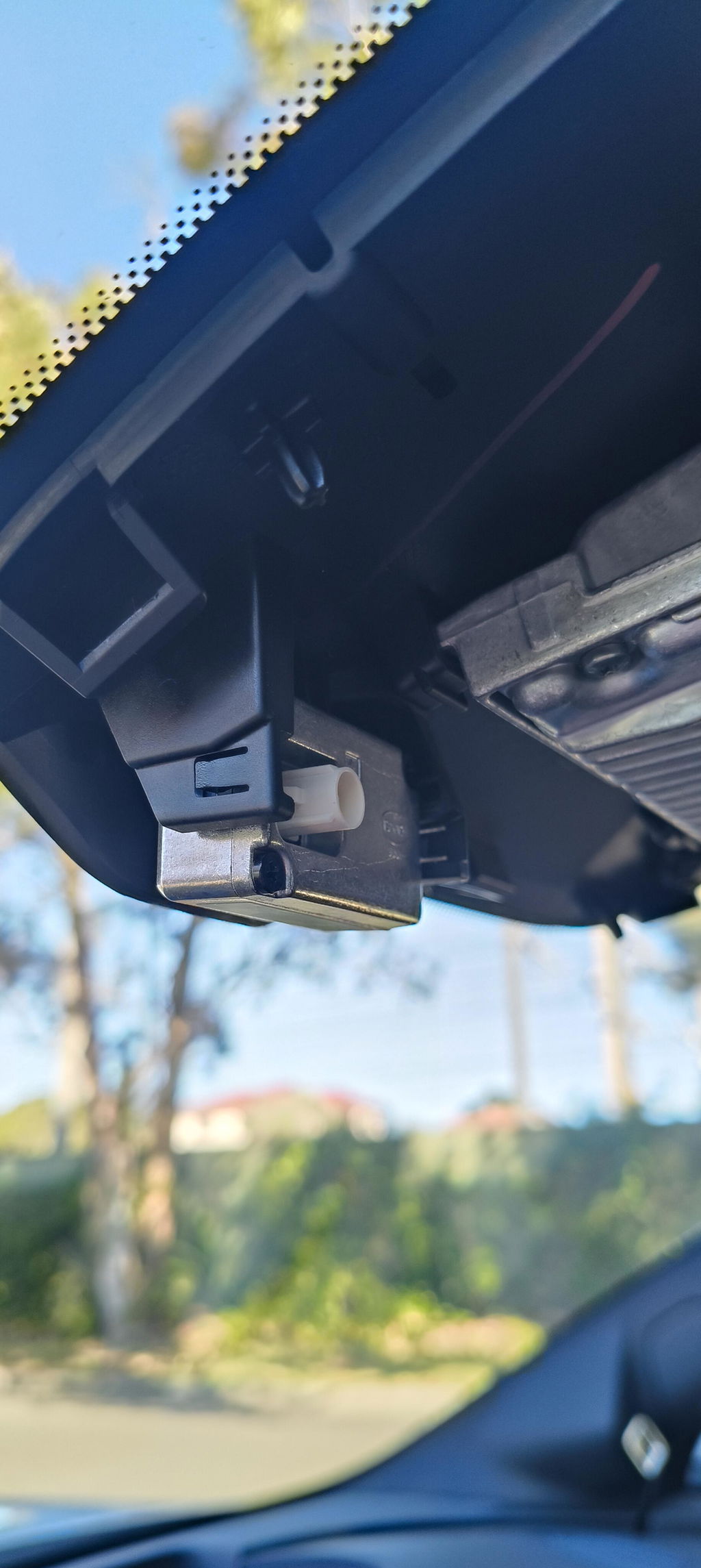
Very easy to install both camera and sd card unit.
So far BOTH working flawlessly.
Very tricky to install in a brand new Sealion 7, but eventually found the connector plug high in the roof safe. So far the camera seems to be working as expected.
Arrived on time and works well. Highly recommend!
Great Quality items, Exact fit, installation easy as described, fast postsge. AAA +++ Seller
Very surprised how small it was. Fitting was easy and set up was also easy. Works as per expected
The camera and SD card interface were so easy to install and worked perfectly. So good to have it built in and not camera stuck the the windscreen. Great 👍
All products were delivered and in as expected condition. Online DIY installation instructions for OEM Dashcam were adequate, though removal of the in situ USB-C interface unit I found extremely difficult. So, I have left this to be completed at my first service.
Removing the Panel to install the Card reader was simple and the Card reader USB module is easy enough to get to even with larger hands. Release the top first and push it out a bit and then release the bottom.
The camera plug removes easily enough and the camera clips right in. The cable however appears to not be there. You will need to find the taped up bulge and remove the tape to locate the connector. Then cut the clip that holds it in place and just attach to the camera.
The pry tool makes removing the cover over the visor simpler than you can imagine and everything should take less than half an hour or at worst, under an hour for anyone that is not comfortable doing this kind of work.
Fit camera and hub easy. Reset infotainment system. Loaded up without issues. Good purchase. Happy with outcome.
Hi
Where is the usb c drive situated and how do I access video .
Thanks
Hi Eric,
Thanks for your question.
The USB-C module is located in the lower console area.
You can access the recordings in two ways:
1. Through the vehicle’s built-in DVR / Driving Recorder app on the infotainment screen.
2. By removing the USB-C drive from the lower console module and connecting it to a computer or compatible phone/tablet to view the video files.
Please make sure the vehicle is safely parked before accessing or removing the USB-C drive.
Is this available for the Shark 6?
Hi Steve,
Thanks for your question.
No — this OEM dash cam is only compatible with the BYD Sealion 7. At the moment, there isn’t an OEM dash cam option available for the BYD Shark 6.
Hi, do you know if the Shark 6 (07/25) is prewired and has the software installed to work with this?
Thanks!
There’s currently no OEM dash cam available that’s compatible with the BYD Shark 6. If BYD releases an official version in the future, we’ll update our store right away.
Hello,
I’m wondering where do you install the usb c interface in the BYD Sealion 7? Is there a standard slot for it in the car like the camera?
Are instructions provided with how to install both?
Hi Matthew,
Thanks for your message and great question.
The optional USB-C & SD Card interface is for those who prefer a tidier setup rather than using a regular USB-C flash drive for dash cam footage. It lets you record directly onto an SD card.
This module replaces the existing USB interface located in the lower console area. The installation is pretty straightforward and completely plug-and-play — you just remove the original module and connect the new one using the provided cables.
You can send an email to support@eevastore.com.au if you need more help during installation — they can provide detailed instructions if needed.
Do you have links to tutorials or instructions for installation of the camera and USB interface?
Hi David,
Thanks for checking in with us. Here’s a simple step-by-step to install the OEM Dash Cam on the BYD Sealion 7 (with notes for the optional USB-C/SD interface).
Tools: plastic trim tool, small Phillips/T20 driver, a few cable ties, alcohol wipe.
1. Prep
• Park, power off, handbrake on.
• Clean the windscreen area near the mirror (inside).
2. Remove the mirror shroud
• Gently pull down the lower half of the plastic cover behind the mirror, then unclip the upper half.
• You’ll see the wiring loom taped near the mirror mount.
3. Find the dash-cam connector
• Look for the small white plug taped to the loom (often tucked/taped).
• Carefully untape it so the lead reaches the mirror area.
4. Mount the camera
• Slide the camera onto the factory bracket under the mirror until it clicks.
• Plug the camera lead into the vehicle dash-cam connector.
• Remove any lens film.
5. Cable tidy
• Tuck any slack under the shroud and refit the plastic cover.
6. Optional USB-C/SD interface (if your kit includes it)
• Replace the small hub with the existing USB interface where the kit suggests (usually inside the centre console).
• Connect the harness marked “Vehicle/Power” to the hub IN port.
• Connect the camera lead to the hub CAM port.
• Insert a **high-endurance** microSD card (64–128 GB recommended) into the hub.
7. Software / app
• If the Dash Cam app doesn’t show, reboot the head unit (hold the screen power button ~10 sec) and wait ~1–2 min.
• Open the Dash Cam app, choose loop length, and enable audio/time-stamp if you want.
• If prompted, **format the SD card** in the app.
8. Test
• Start the car; the cam LED should light and the app should show live view/recording.
• Do a short drive and confirm files save to the card.
Quick tips
• Use a **high-endurance** microSD (SanDisk High Endurance / Samsung PRO Endurance). Regular “Extreme/Pro” cards can glitch or pixelate.
• If the app is missing after install, reboot the screen and check you’re on the latest firmware.
• No power? Reseat the connector behind the mirror and the interface plugs.
• Shaky video? Make sure the camera is fully clicked onto the bracket.